How to transfer your VIP number to a new SIM
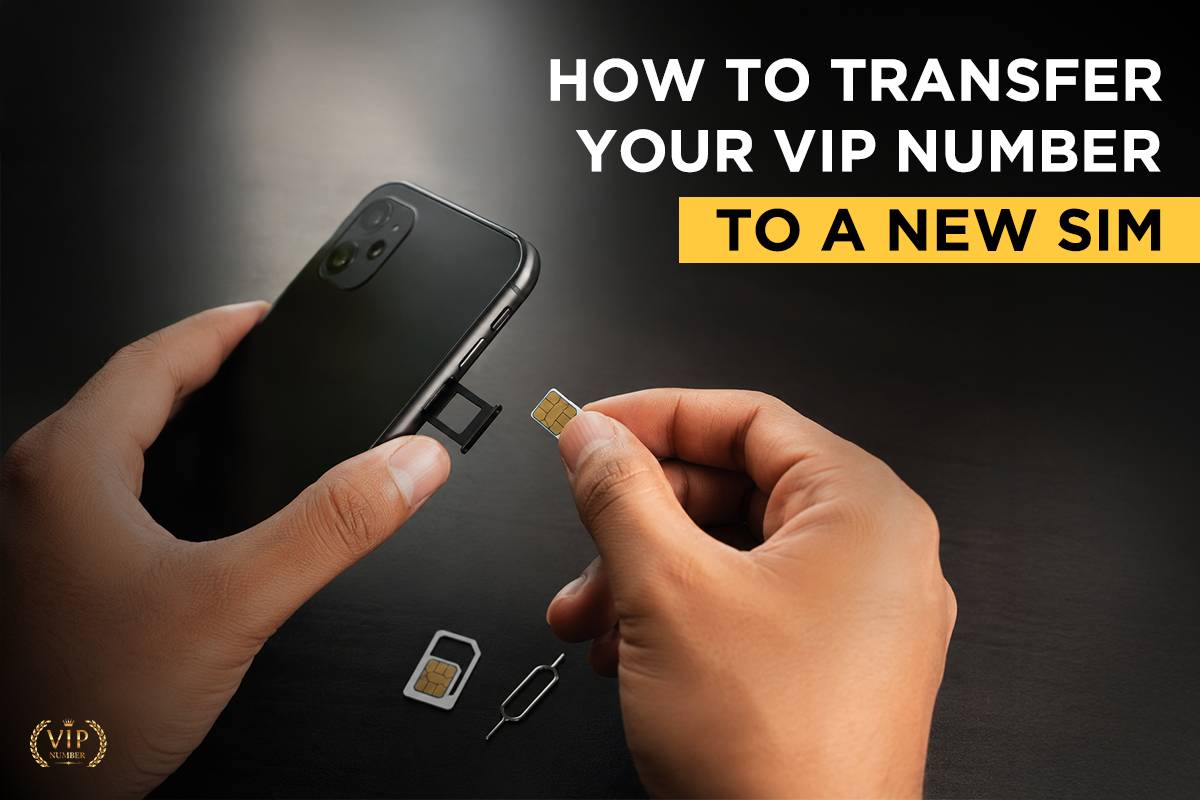
In today's digital world, your mobile number is more than just a way to make calls—it's linked to your bank accounts, social media profiles, UPI apps, and business contacts. If you own a VIP mobile number, keeping it active and secure is even more important.
Whether your SIM is damaged, lost, stolen, or you simply want to upgrade to a new SIM (such as 4G or 5G), you can transfer your VIP number without changing the number itself.
In this guide, we'll explain the complete process of transferring your VIP number to a new SIM.
Common Reasons to Replace Your SIM
You may need a new SIM for several reasons:
-
Lost or stolen SIM card
-
Damaged or broken SIM
-
Upgrading from 3G/4G to 5G SIM
-
SIM card not detected
-
Changing SIM size (Standard, Micro, Nano)
-
Security concerns
-
Network-related issues
Step-by-Step Process to Transfer Your VIP Number
Step 1: Visit the Nearest Telecom Store
Visit the customer care center or authorized retailer of your network provider (Jio, Airtel, Vi, or BSNL).
Carry your original ID proof for verification.
Step 2: Request a SIM Replacement
Inform the executive that you want a SIM replacement while retaining your existing VIP number.
They will verify your identity before issuing a new SIM.
Step 3: Complete KYC Verification
Depending on your operator, verification may include:
-
Aadhaar authentication
-
OTP verification
-
Biometric verification
-
Signature verification
Step 4: Receive the New SIM
After successful verification, you'll receive a new blank SIM card linked to your existing VIP number.
The executive will inform you about the activation time.
Step 5: Wait for Activation
Generally, SIM activation takes:
-
30 minutes to 4 hours (most cases)
-
Up to 24 hours in some situations
During activation:
-
Your old SIM will stop working.
-
Insert the new SIM once the old one loses signal.
-
Restart your phone.
What Happens After Activation?
Once activated:
-
Your VIP number remains the same.
-
Incoming and outgoing calls resume.
-
SMS services become active.
-
Mobile data starts working.
-
UPI and banking services continue after re-verification if required.
Can You Transfer a VIP Number to Another Person?
Yes, but only through the mobile number ownership transfer process provided by your telecom operator. This requires:
-
Consent from the current owner.
-
Valid ID proof of both parties.
-
Fresh KYC verification.
The exact process depends on the operator's policies.
Tips to Keep Your VIP Number Safe
-
Never share OTPs with anyone.
-
Immediately report lost or stolen SIMs.
-
Keep your KYC details updated.
-
Enable SIM lock with a PIN.
-
Use official telecom stores for SIM replacement.
Final Thoughts
Your VIP mobile number is a valuable asset, whether for personal use or business branding. Fortunately, replacing your SIM card doesn't mean losing your number. By following the official SIM replacement process and completing the required verification, you can continue using your VIP number without interruption.
Always visit an authorized telecom store, carry valid identification, and activate your new SIM as instructed. With the right precautions, your premium number will remain secure and fully functional for years to come.