How to Port Your Mobile Number in 5 Steps
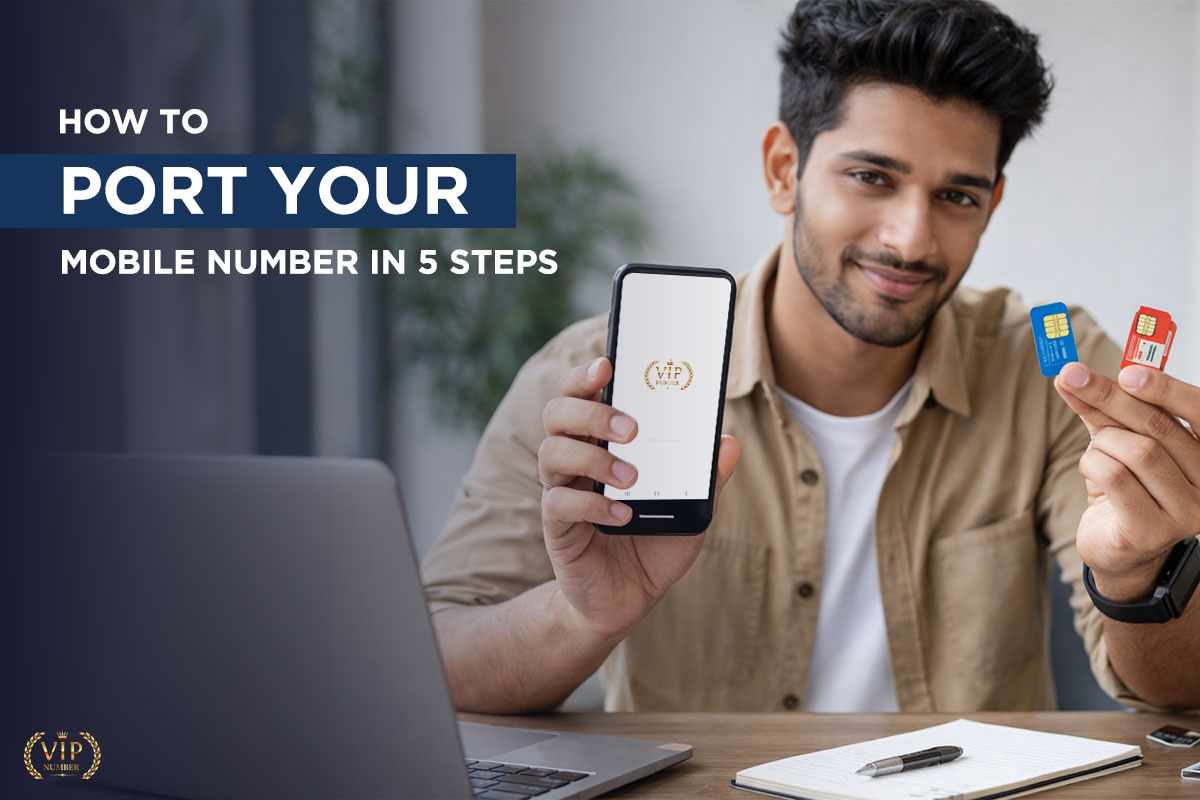
Switching to a new operator but don't want to lose your current mobile number? That's exactly what Mobile Number Portability (MNP) is for. Whether you've purchased a VIP number from us and want to move it to Jio, Airtel, Vi, or BSNL — or you're porting an existing number to a better network — this guide walks you through every step.
Mobile Number Portability allows you to keep your mobile number even when you change your telecom operator. So if you're on Airtel and want to switch to Jio, you don't need to get a new number — you simply port it.
In India, MNP is governed by TRAI (Telecom Regulatory Authority of India) and is completely free of charge.
The 5 Steps to Port Your Mobile Number
Follow these steps in order. The whole process — from SMS to activation — typically takes 3–7 working days.
Step 1
Send the Magic SMS to Get Your UPC Code
- Open your messages app on the number you want to port.
- Type: PORT your 10-digit mobile number
- Send this SMS to 1900.
Example: PORT 9876543210 → Send to 1900
You will receive a reply with your Unique Porting Code (UPC) within a few minutes. This code is valid for only 15 days — so don't delay after receiving it.
Note: This SMS is FREE from all operators.
Step 2
Visit a Retail Store of Your New Operator
Go to the nearest store of the operator you want to port TO (e.g., if switching to Jio, go to a Jio store or authorized Jio retailer).
Carry these documents:
• Your UPC code (written down or screenshot)
• Original Aadhaar card (or passport / voter ID)
• One passport-size photograph
• Your existing SIM card
Tell the retailer: 'I want to port my number to [Jio/Airtel/Vi/BSNL].'
They will fill in a CAF (Customer Application Form) for you.
Step 3
At the store, you'll submit the porting request formally.
The retailer will:
• Verify your documents (KYC)
• Hand you a new SIM card of the new operator (this SIM is NOT active yet)
• Give you a reference or order number
Important: Do NOT insert the new SIM yet. Wait for the confirmation SMS.
Step 4
Wait for the Porting Confirmation SMS
Within 24–72 hours, you will receive an SMS from your current operator confirming that your porting request has been accepted.
The SMS will mention a specific cut-over date and time — this is when your old SIM will stop working and the new SIM will activate.
The typical window is between 11 PM and 5 AM on a working day (to minimise disruption).
Do not switch SIM cards until you receive this SMS.
Step 5
Insert Your New SIM — Your Number is Ported!
On the cut-over date mentioned in the SMS:
1. Remove your old SIM card
2. Insert the new operator SIM you received at the store
3. Restart your phone
4. Wait up to 2–4 hours for the network to fully activate
You will receive a welcome SMS from the new operator once the number is live.
Your same mobile number is now active on the new network — with all your contacts intact!
Porting a VIP Number You Purchased from VIP Number
When you purchase a VIP mobile number from vipnumber.co.in, here is how the porting process works specifically:
1.You choose your VIP number and complete payment on our website.
2.We arrange the UPC (porting code) for your chosen number and send it to you within 24 working hours.
3.You take that UPC code to any Jio, Airtel, Vi, or BSNL retail store of your choice.
4.Submit the porting form with your KYC documents and collect the new SIM.
5.Your VIP number activates on your chosen operator within 3–5 business days.
That's it. You get to pick both the number AND the operator. All four major operators are supported via MNP.
Conclusion
Porting your mobile number is simpler than most people think. With the 5 steps above — SMS to 1900, visit a store, submit KYC, wait for the confirmation, and insert your new SIM — the whole process can be done in under a week with zero disruption to your number.
If you've just bought a VIP number from VIP Number, the process is even more streamlined — we handle the UPC delivery and guide you through every step.
Have questions? Reach out to us on WhatsApp at +91-8285929772 or email [email protected]. We're happy to help.